
MIMIC® Online Documentation
MIMIC: Sample 100 node Network
-
Table of Contents
-
Overview
This heterogeneous network represents a current, multi-vendor, multi-function, multi-site 100 node environment containing many features to be managed. It was created with Topology Wizard just like in this 3-minute Youtube video.
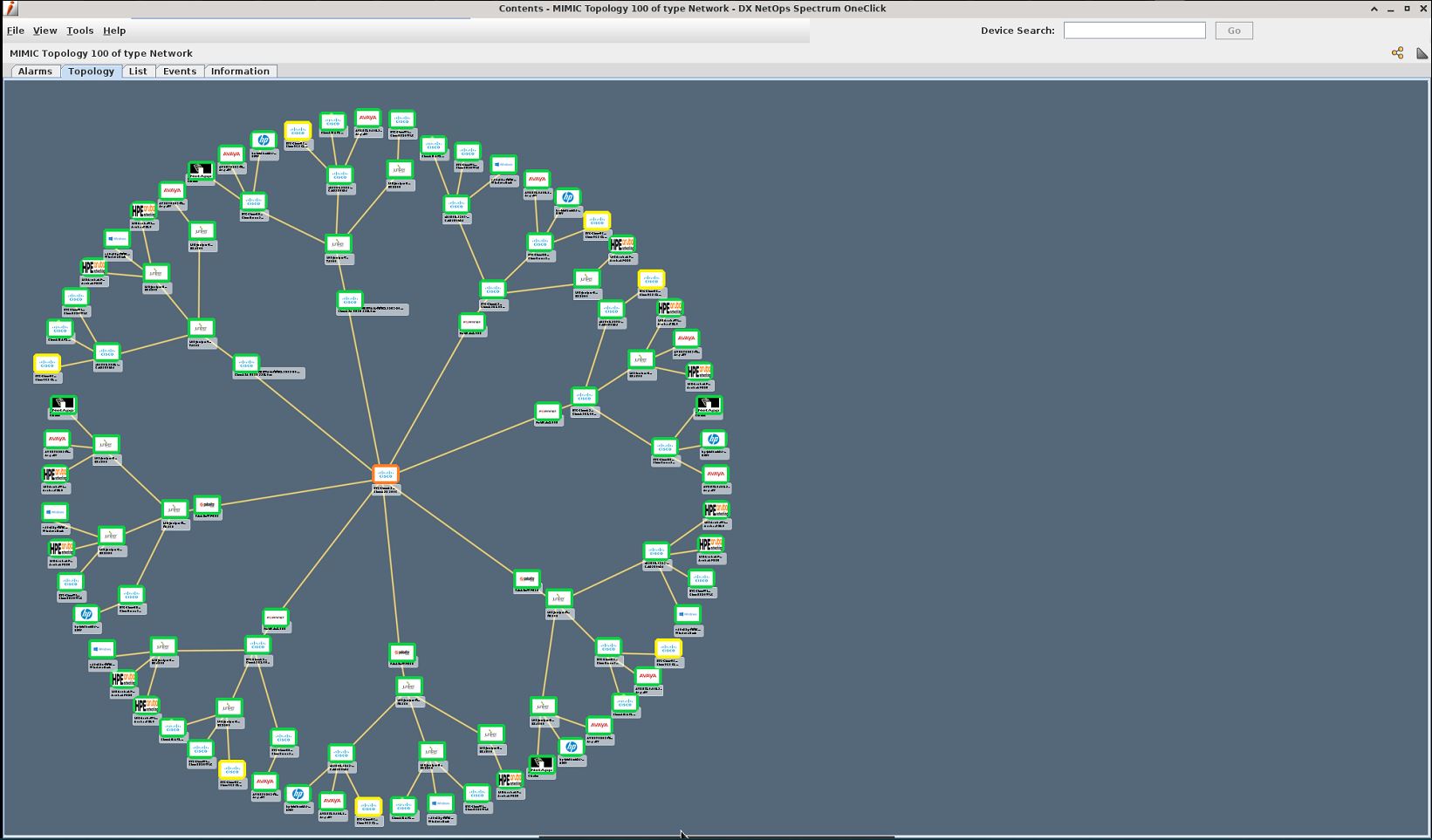
Here is the network as discovered by CA Spectrum:
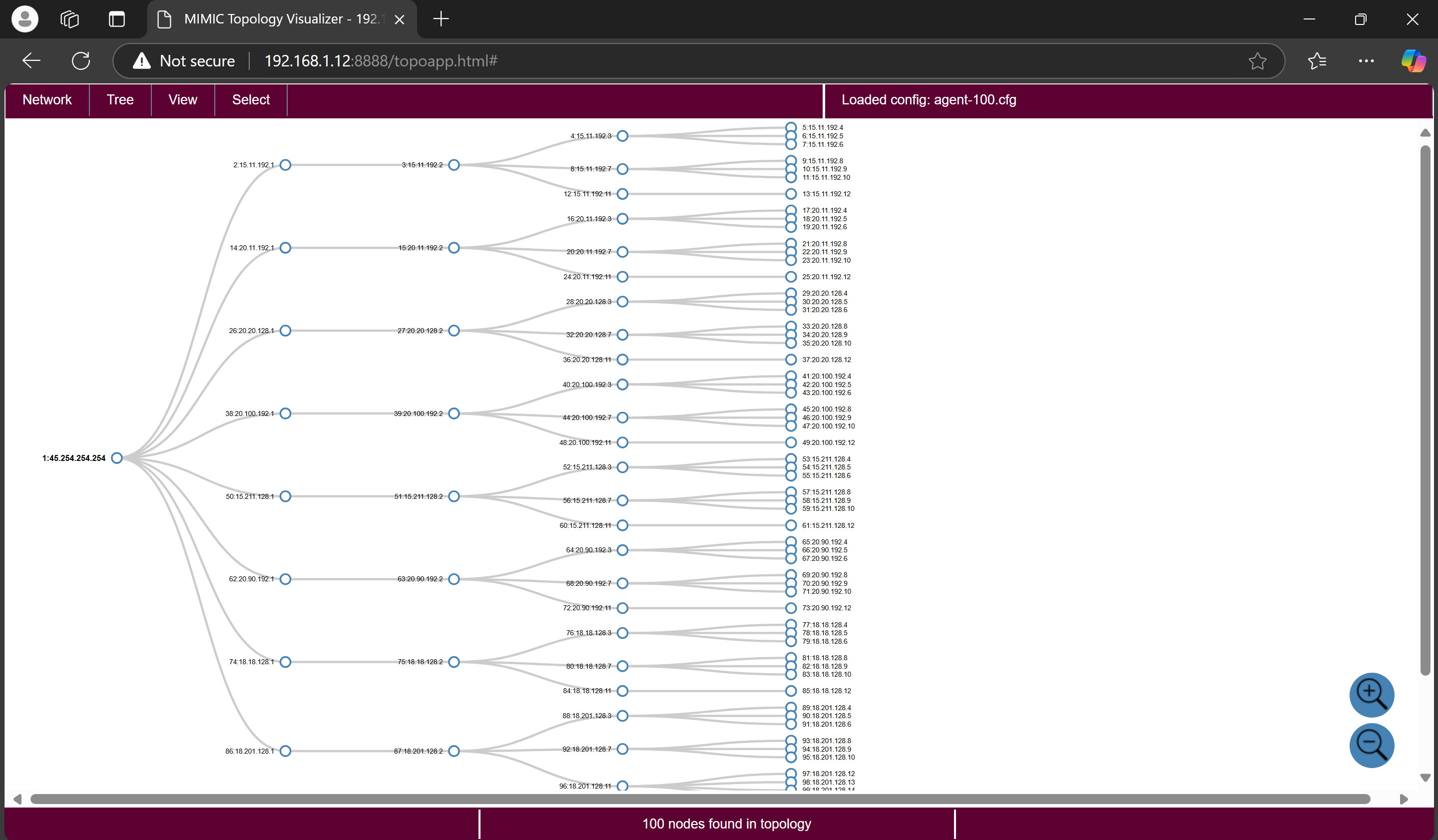
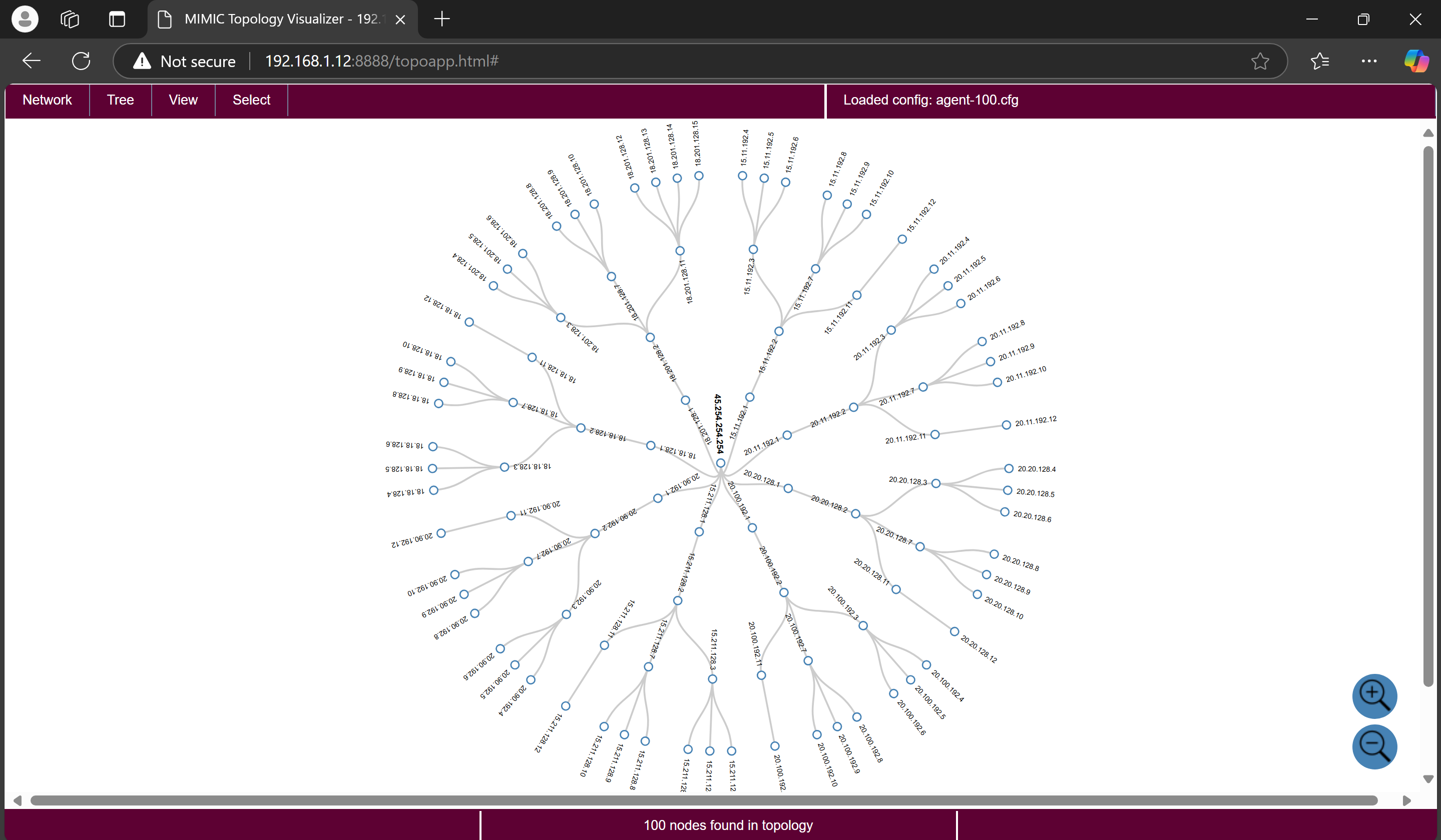
and the MIMIC Topology Visualizer:
-
Prerequisites
To run this simulation, you must have at least 100 agent capacity in your MIMIC license.
-
Installation
-
Usage
After installing this package with Update Wizard, invoke the File->Open menu from the MIMICView GUI, and select the agent-100.cfg file.
Once you start them, the agents will run at the configured addresses in the 45.x.x.x, 20.x.x.x and 15.x.x.x networks. The topology is built dynamically, so it will take a while before all MIB objects have settled, as logged in the MIMIC log with TOPO_DONE.
-
Compatibility
We have interoperated with the management platforms above.
Install this package using Update Wizard in section Network Library, package name Sample 100 node Network.